U
GuidesManaging Your Subscription
Managing Your Subscription
View your current plan, upgrade or downgrade, manage payment methods, and review invoices.
Settings5 min
Step 1 of 520% complete
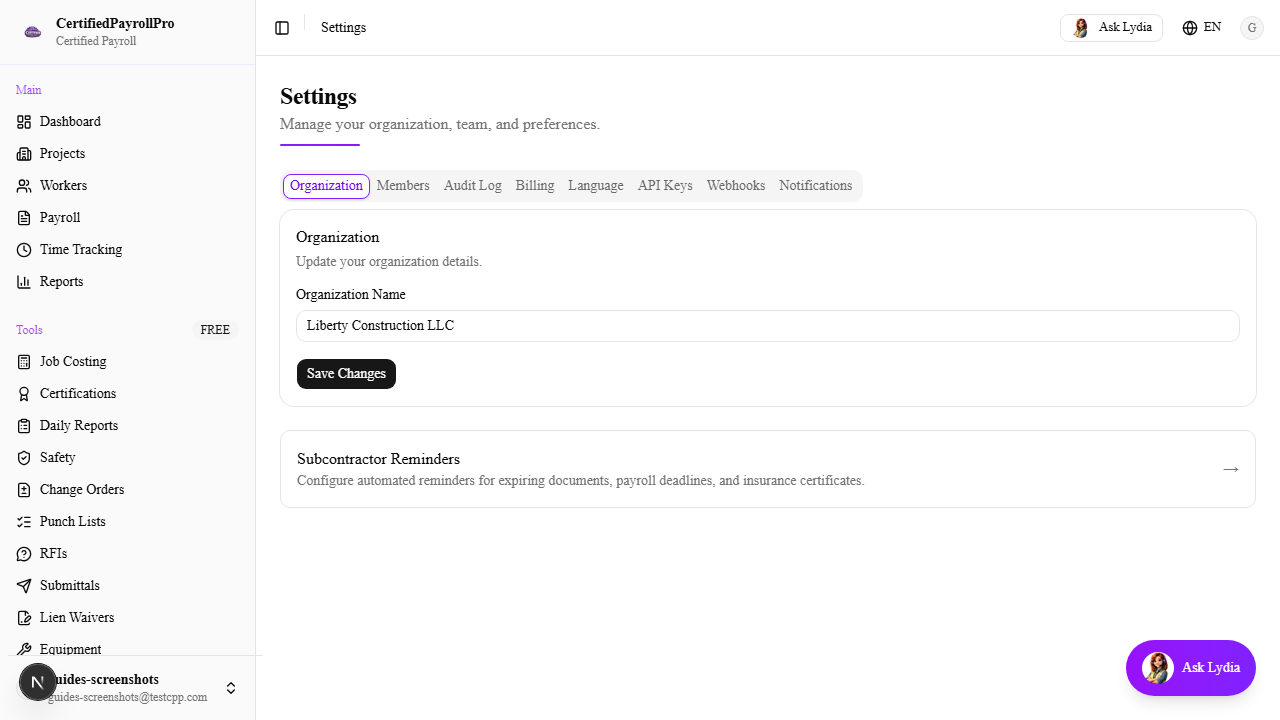
Navigate to Settings
Click 'Settings' in the sidebar under the System section. You will see several tabs or sections for managing your account. Look for the 'Billing' or 'Subscription' section, which shows your current plan and payment information.