U
GuidesAdding and Managing Workers
Adding and Managing Workers
Learn how to add workers, assign classifications and pay rates, and track certifications for your workforce.
Projects & Payroll7 min
Step 1 of 617% complete
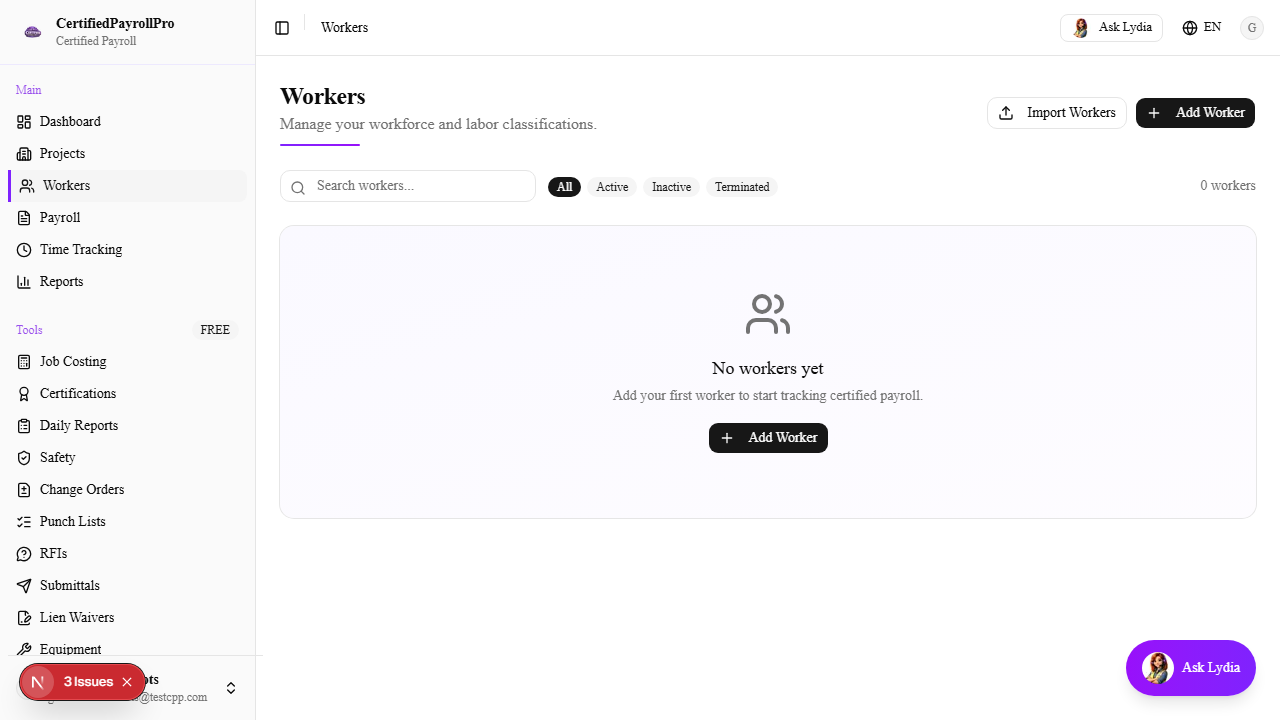
Navigate to Workers
Click 'Workers' in the sidebar under the Main section. You will see a table listing all workers in your organization, showing their name, classification, assigned projects, and certification status. If no workers have been added yet, you will see an empty state with a button to add your first worker.