U
GuidesCreating a Certified Payroll Report
Creating a Certified Payroll Report
Step-by-step instructions for entering payroll data, checking compliance, and generating an official WH-347 certified payroll report.
Projects & Payroll12 min
Step 1 of 813% complete
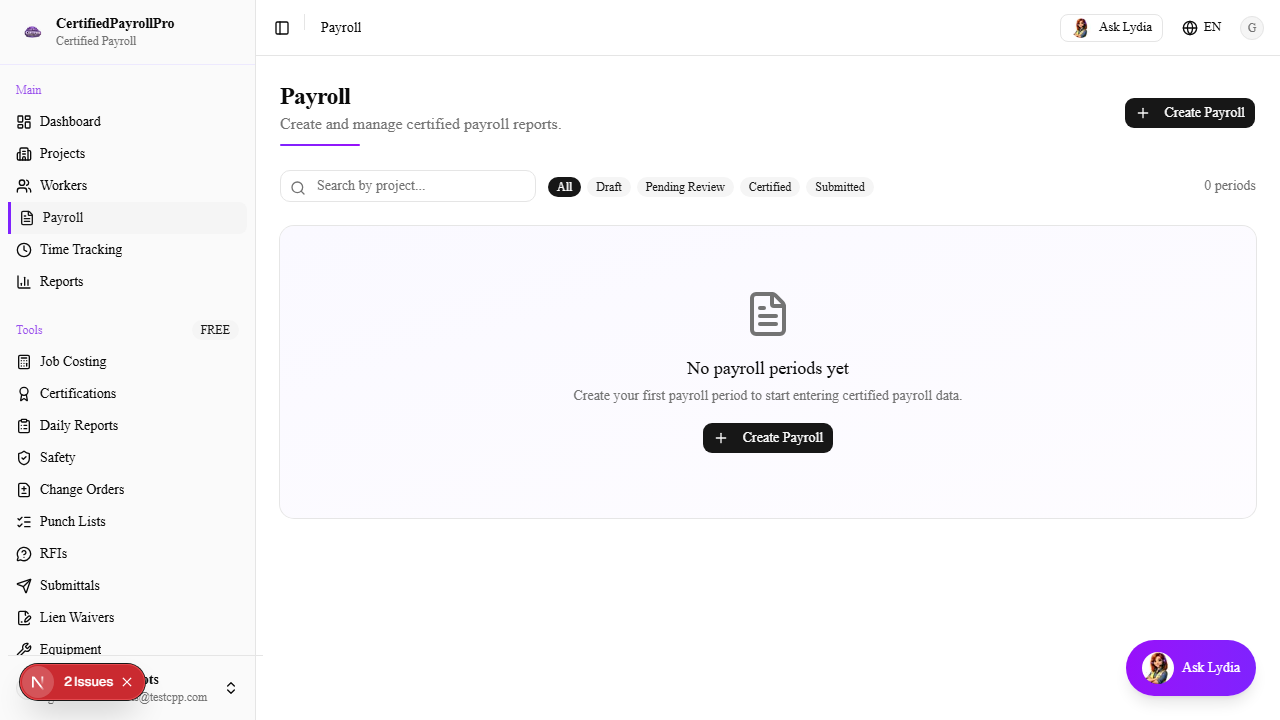
Navigate to Payroll
Click 'Payroll' in the sidebar under the Main section. You will see a list of all payroll periods, organized by project and week-ending date. Each row shows the project name, week ending date, number of workers, compliance status (green check or red warning), and whether the payroll has been certified. Use the filters at the top to narrow by project or date range.