U
GuidesTracking Change Orders
Tracking Change Orders
Document scope changes, cost adjustments, and schedule impacts with a clear approval workflow.
Construction Tools7 min
Step 1 of 617% complete
Navigate to Change Orders
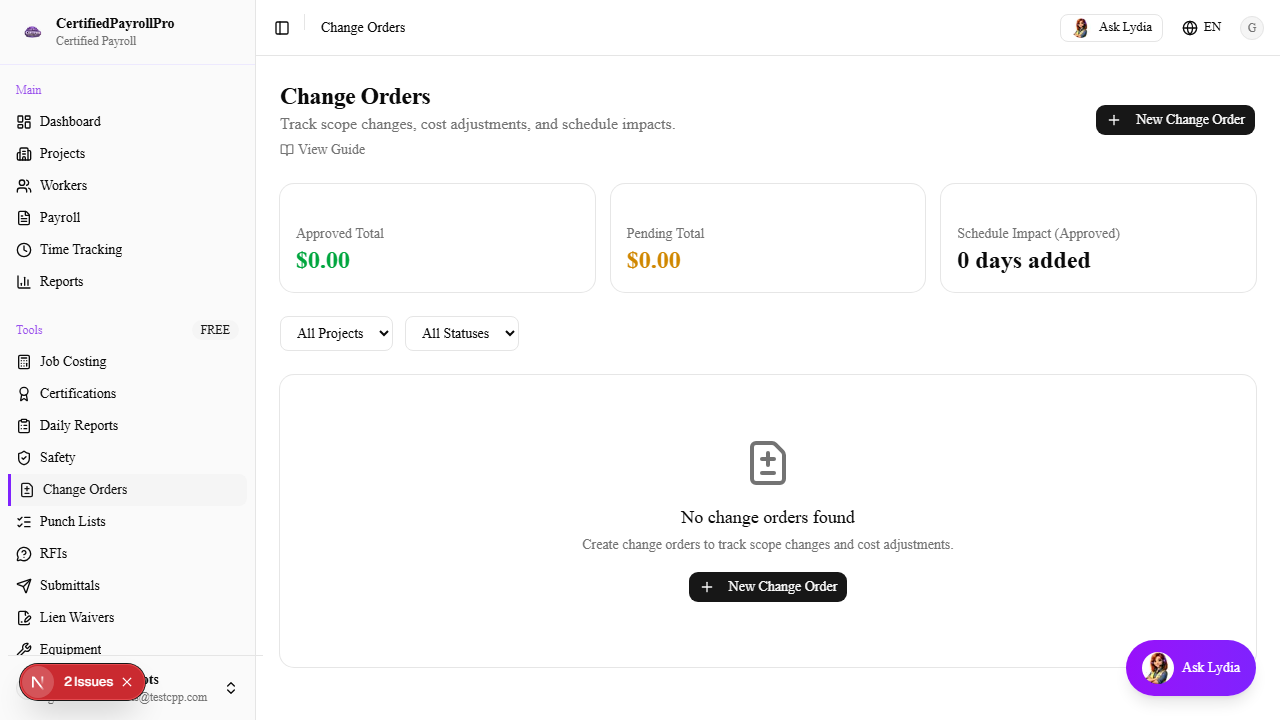
Click 'Change Orders' in the sidebar under the Tools section. You will see three summary cards at the top showing Approved Total (in green), Pending Total (in yellow), and Schedule Impact in days. Below the summary, a table lists all change orders with columns for CO number, title, project, status, reason, amount, days added, and request date.