U
GuidesUsing Punch Lists for Project Closeout
Using Punch Lists for Project Closeout
Create and manage punch list items to track deficiencies, incomplete work, and closeout tasks before final project acceptance.
Construction Tools7 min
Step 1 of 617% complete
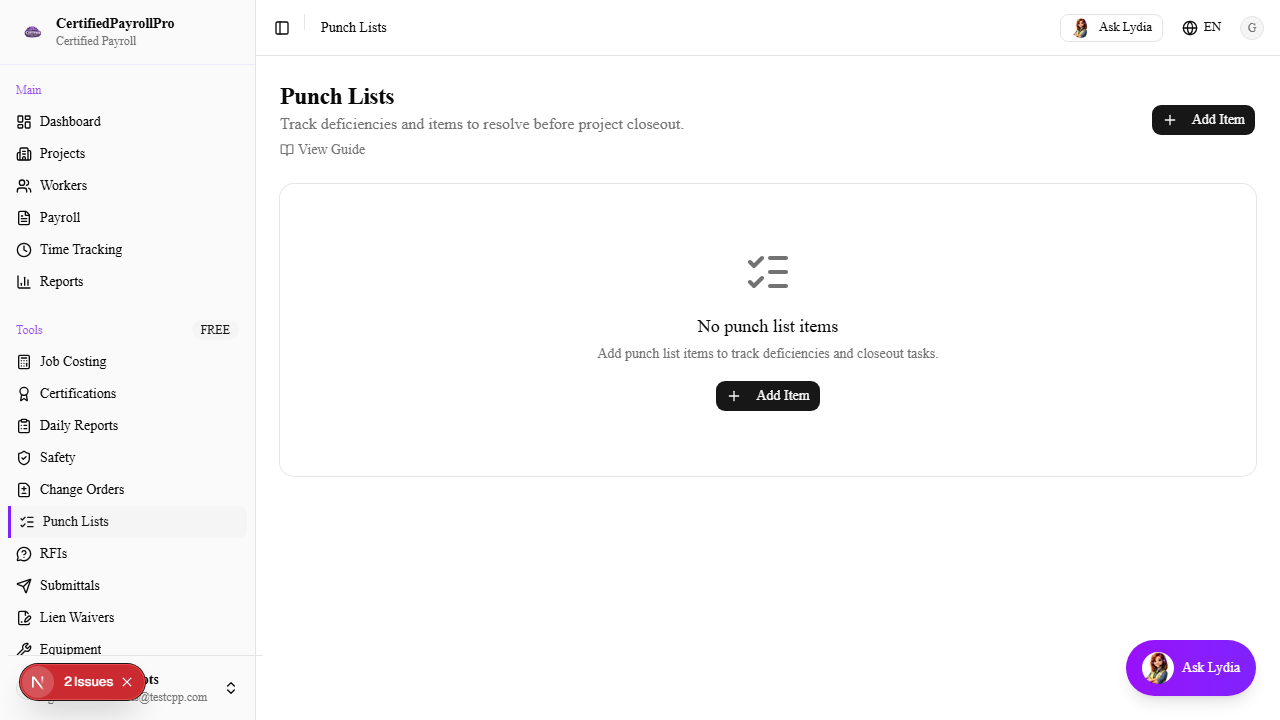
Navigate to Punch Lists
Click 'Punch Lists' in the sidebar under the Tools section. You will see a summary section at the top with cards showing the count of items by status: Open (red), In Progress (yellow), Completed (blue), and Verified (green). Below the summary cards, a progress bar shows the overall completion percentage. The main table lists all punch list items with columns for item number, title, project, status, priority, category, assigned person, and due date.