U
GuidesManaging RFIs (Requests for Information)
Managing RFIs (Requests for Information)
Track questions and responses between your team, architects, engineers, and owners to keep your project on track.
Construction Tools6 min
Step 1 of 617% complete
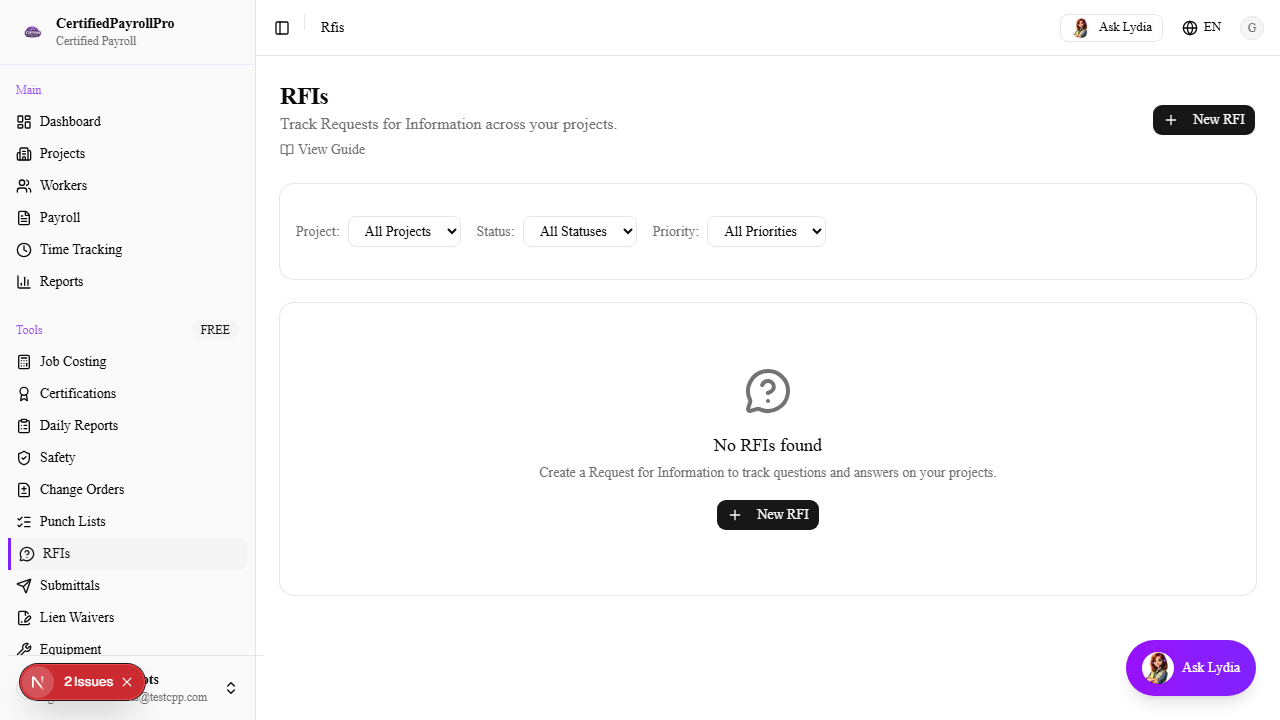
Navigate to RFIs
Click 'RFIs' in the sidebar under the Tools section. You will see a table listing all RFIs for your organization, showing the RFI number, subject, project, status (Draft, Open, Answered, Closed, Void), priority level, submission date, and due date. Overdue RFIs are highlighted with a red background row. If no RFIs exist yet, you will see an empty state with a prompt to create your first one.