U
GuidesEquipment Tracking and Inspection
Equipment Tracking and Inspection
Add equipment, assign it to projects, track inspection schedules, and monitor the condition of your tools and machines.
Construction Tools6 min
Step 1 of 617% complete
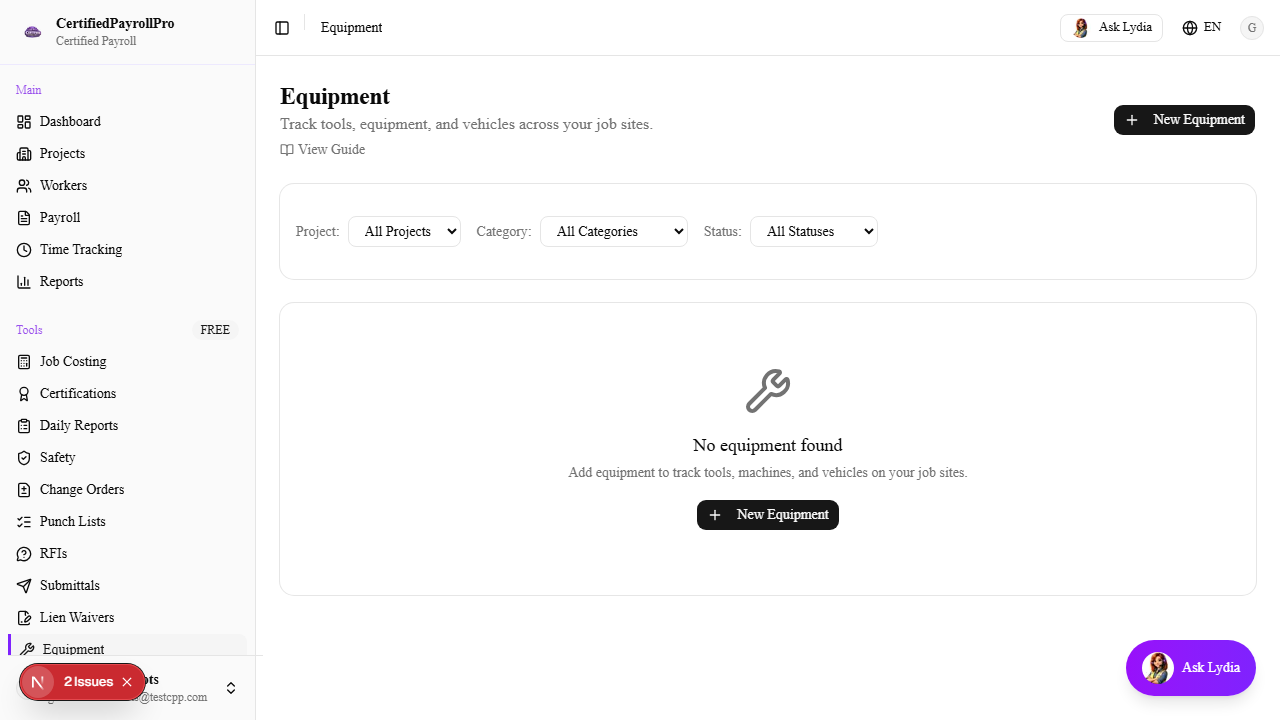
Navigate to Equipment
Click 'Equipment' in the sidebar under the Tools section. You will see a table listing all equipment in your organization with columns for Equipment Number, Name, Category, Status, assigned Project, Condition, and Next Inspection date. Equipment with overdue inspections is highlighted with a red background row. Use the filter dropdowns to narrow by project, category, or status.