U
GuidesSubmitting Daily Field Reports
Submitting Daily Field Reports
Document daily site activity, weather conditions, crew counts, and work performed to maintain an accurate project record.
Construction Tools6 min
Step 1 of 617% complete
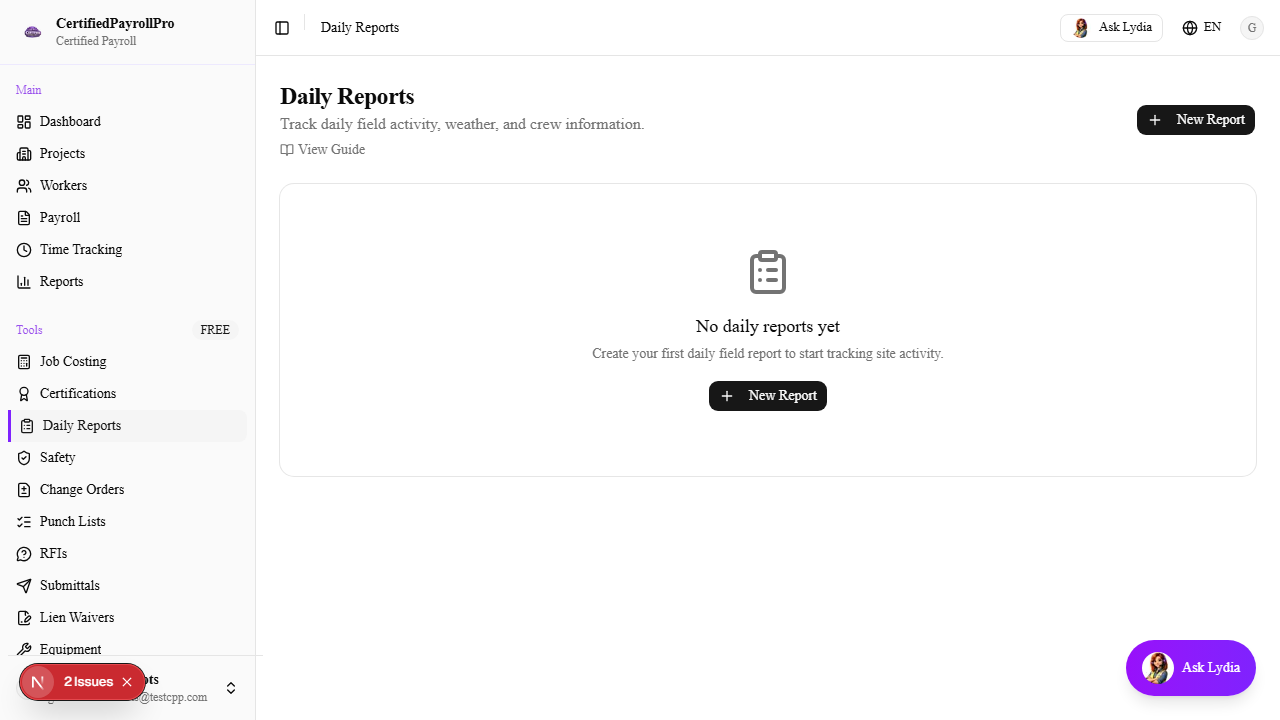
Navigate to Daily Reports
Click 'Daily Reports' in the sidebar under the Tools section. You will see a table of all submitted daily reports, showing the date, project name, weather conditions, temperature range, a summary of work performed, and any attached photos. Reports are sorted by date with the most recent at the top.