U
GuidesManaging Lien Waivers
Managing Lien Waivers
Create, track, and manage conditional and unconditional lien waivers throughout the payment cycle.
Construction Tools7 min
Step 1 of 617% complete
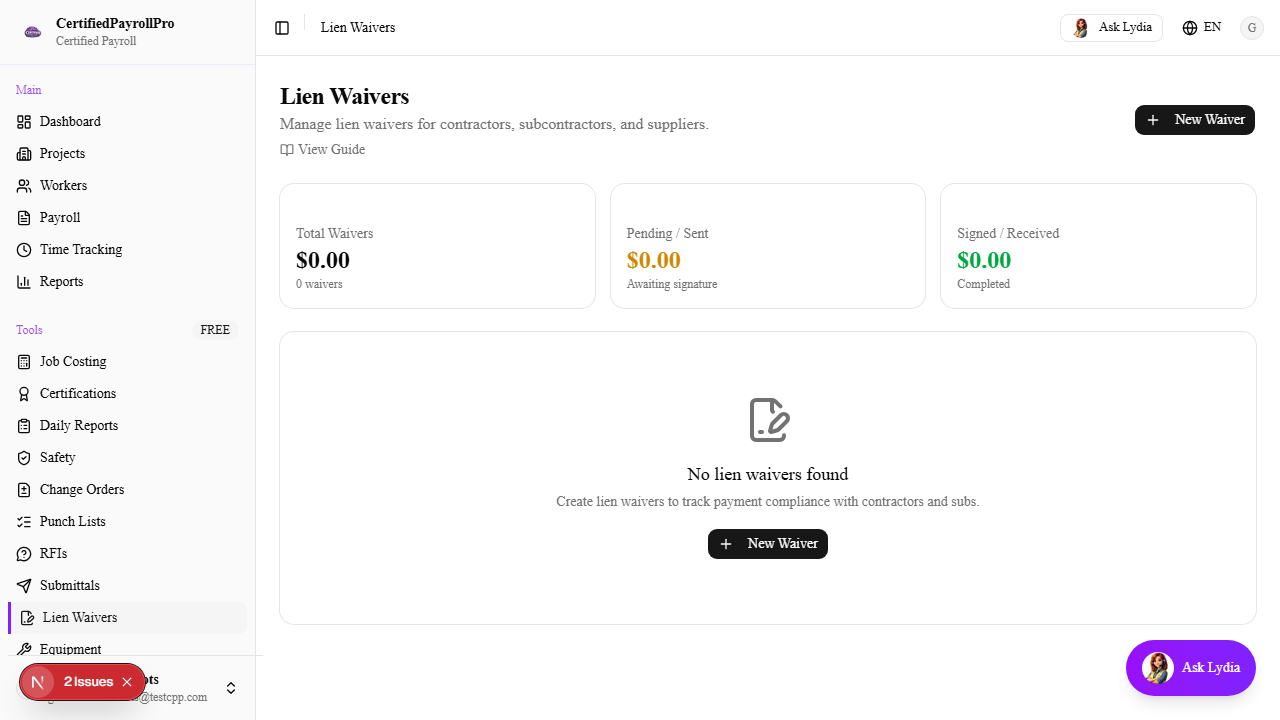
Navigate to Lien Waivers
Click 'Lien Waivers' in the sidebar under the Tools section. You will see three summary cards at the top: Total Waivers (all waivers by dollar amount and count), Pending/Sent (awaiting signature), and Signed/Received (completed). Below the summary, a table lists all waivers with columns for Party name, Project, Type, Status, Amount, Through Date, and Party Type.