U
GuidesTracking Submittals
Tracking Submittals
Manage shop drawing submittals, product data, and sample approvals with revision tracking and status monitoring.
Construction Tools7 min
Step 1 of 714% complete
Navigate to Submittals
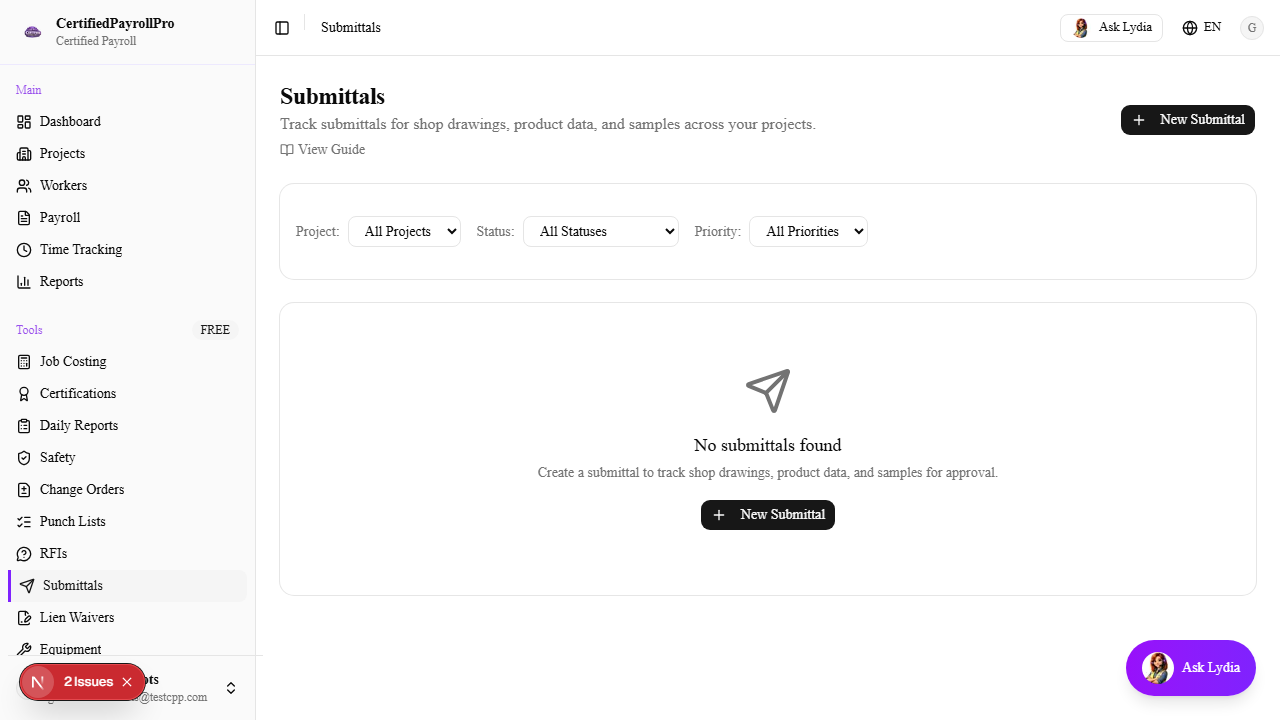
Click 'Submittals' in the sidebar under the Tools section. You will see a table listing all submittals with columns for Submittal Number, Title, Project, Spec Section, Revision number, Status, Priority, and Required Date. Overdue submittals (past their required date and not yet approved) are highlighted with a red background. Use the filter dropdowns to narrow by project, status, or priority.